Every Klaviyo flow email, on your Figma canvas.
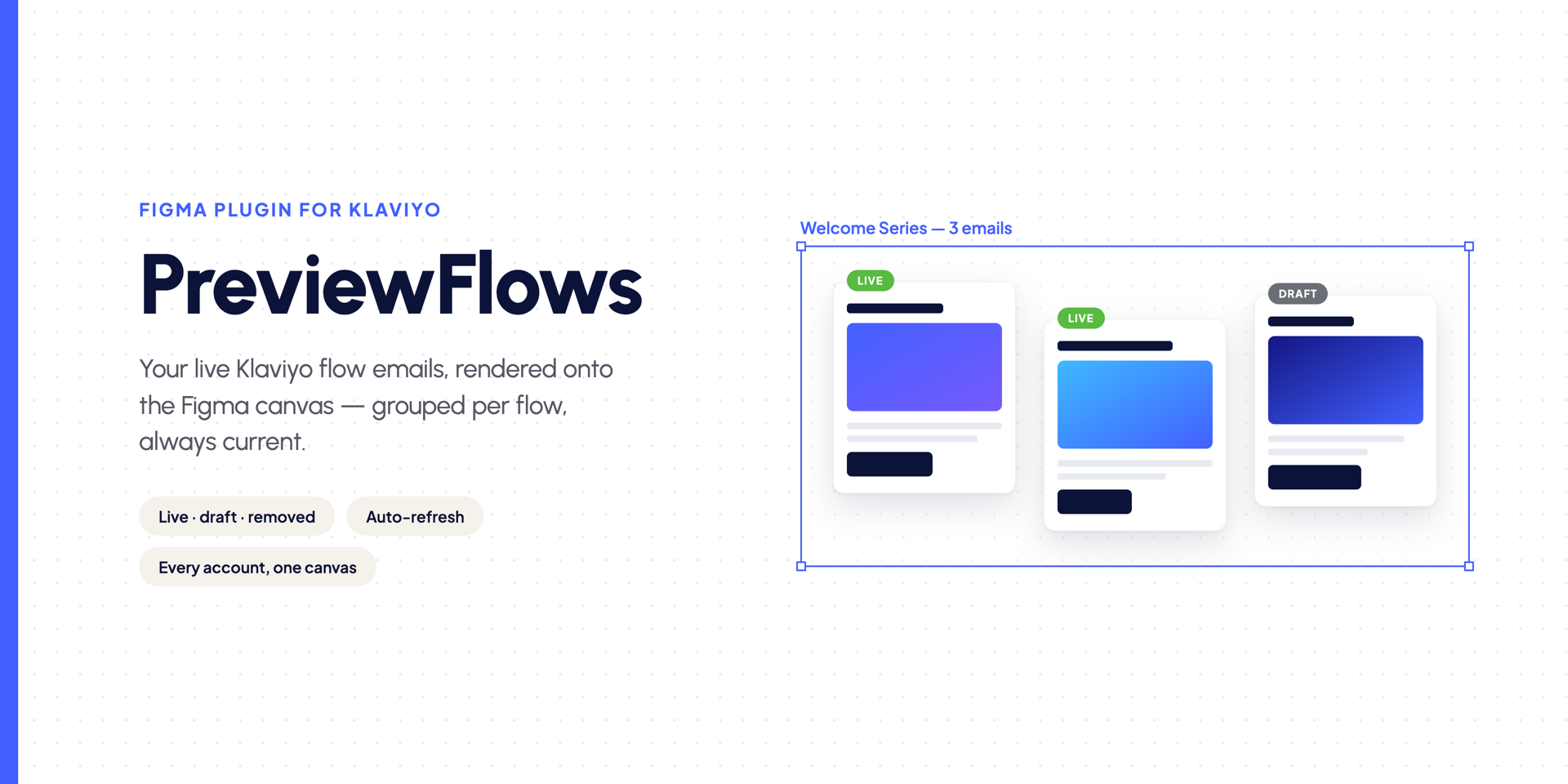
Connect Klaviyo, open Figma, and every email from every flow appears on your canvas — neatly grouped, always up to date. Click any email to jump to it in Klaviyo.
Read-only access only, via a Klaviyo API key or your Klaviyo login — PreviewFlows can never send, edit, or delete anything in your account.
No card required · Free plan included
From zero to a full flow board in three steps
Connect Klaviyo
Paste a read-only Klaviyo API key, or connect with your Klaviyo login. Do it once; your whole workspace shares it.
Open the Figma plugin
Install the PreviewFlows plugin, pair it to your workspace, and pick which connected account to preview.
Get your previews
Press “Get my email previews”. Every email lands on the canvas, grouped by flow. Press Update canvas anytime — only changed emails are re-rendered — or put it on a schedule.
Connect once for your whole team
Klaviyo connects to your workspace. Everyone on the team shares it — nobody signs in twice.
Always current, in seconds
Press Update canvas and only the emails that changed in Klaviyo are re-rendered. Live stays outlined, drafts grey out, removed emails fade — and nothing moves.
Built for agencies
Connect many client accounts to one workspace and switch between them right in the plugin.
Auto-refresh on a schedule
Weekly, daily, or hourly refreshes keep fresh previews ready — open PreviewFlows in your Figma file and the canvas catches up on its own.
Common questions
Is it safe?
Yes. PreviewFlows only ever gets read-only access — a private API key with read scopes, or official Klaviyo OAuth — so it can look at your flows and templates and can never send, edit, or delete anything in your account. Keys are stored encrypted. Disconnect anytime from Klaviyo or your dashboard.
Do teammates need their own connection?
No — connect once, your whole workspace shares it.
What’s free?
1 Klaviyo account, 150 email previews and 1 re-render run per month — updates that find nothing changed are free. No card required.
See your flows the way your clients do.
Start free, connect a Klaviyo account, and see your first flow board in minutes.
Get started free